
How to Create a WhatsApp QR Code for Your D2C Store (Free Guide)
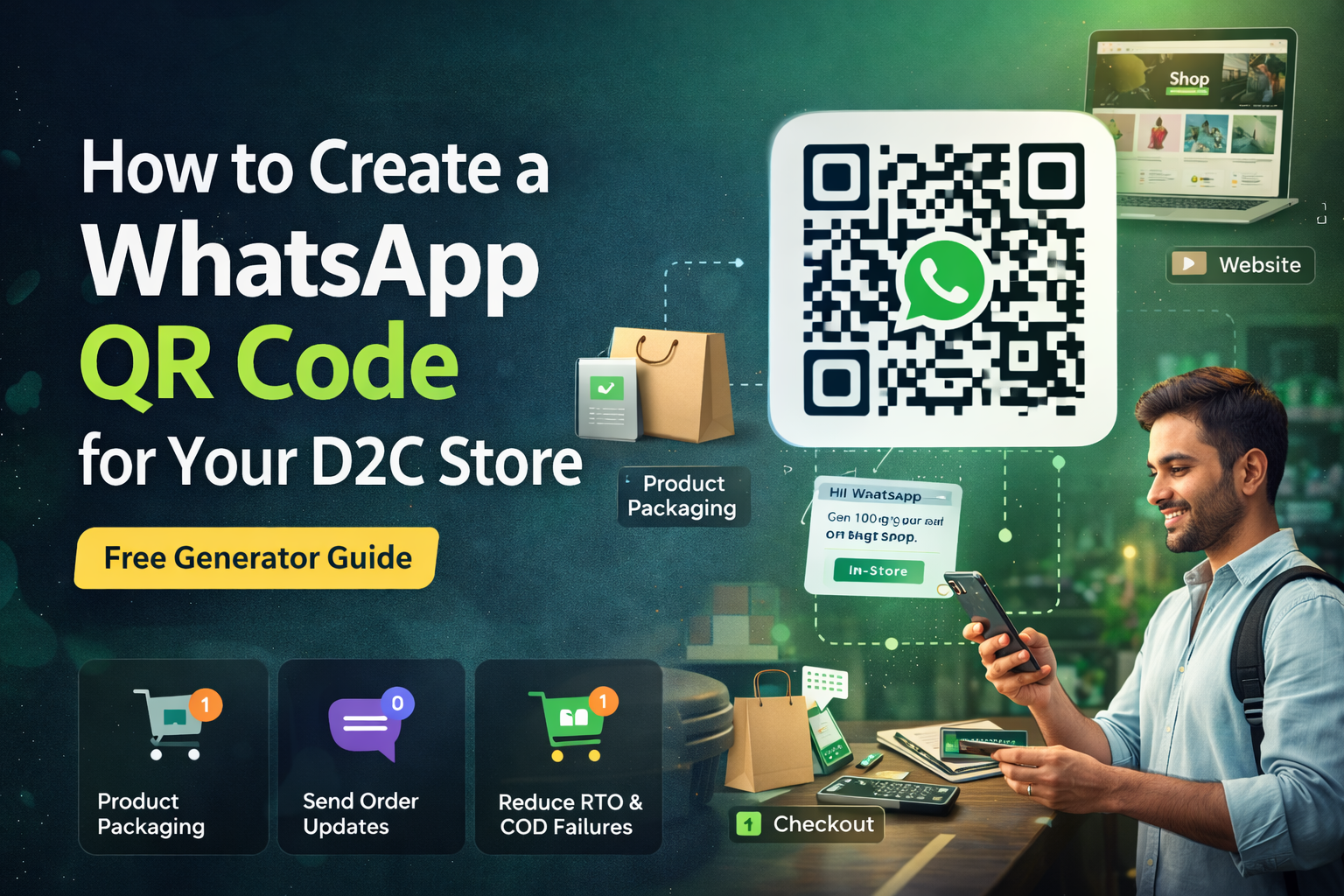
If you run a D2C brand, you’re constantly trying to:
- Capture leads
- Increase conversions
- Improve customer support
But most brands miss a simple growth tool:
👉 WhatsApp QR codes
A customer scans → chat opens instantly → conversion opportunity begins.
No forms. No friction.
What is a WhatsApp QR Code?
A WhatsApp QR code is a scannable code that opens a direct chat with your business.
It works using a simple link format:
When scanned:
- WhatsApp opens
- Chat starts instantly
- Customer can message immediately
Why WhatsApp QR Codes Matter for D2C Brands
Let’s think practically.
Your customer journey includes:
- Instagram ads
- Website visits
- Packaging
- Offline touchpoints
But most brands lose customers because:
👉 too many steps
👉 too much friction
QR codes remove that.
Key Benefits
- Instant communication
- Higher conversion rate
- Better support experience
- Works offline + online
- No login required
How to Create a WhatsApp QR Code (Free Method)
Step 1: Create Your WhatsApp Link
Use this format:
(Optional pre-filled message):
Step 2: Use a Free QR Code Generator
You can use:
- Google QR generator
- QR code websites
- Design tools like Canva
Paste your WhatsApp link → Generate QR → Download image
Step 3: Test Before Using
Always check:
- Opens correct number
- Message loads properly
- Works on Android + iPhone
Where to Use WhatsApp QR Codes (High Impact Placements)
📦 Product Packaging
“Scan to get support or reorder”
This drives repeat purchases.
🛍️ Checkout Page
Offer:
“Scan to get instant help”
Reduces drop-offs.
🏬 Offline Stores
Customers can:
- Ask questions
- Get product info
- Receive offers
📢 Ads & Posters
QR codes reduce friction in offline campaigns.
📱 Website Popups
Alternative to chat widgets.
Advanced Strategy: Turn QR Scans into Revenue
Most brands just collect chats.
Smart brands convert them.
Use Case 1: Lead Capture
Send automated greeting:
“Hi! Get 10% off on your first order.”
Use Case 2: Abandoned Cart Recovery
If user scans but doesn’t buy:
Trigger follow-up message.
Use Case 3: COD Confirmation
Use QR for:
- Order verification
- Payment follow-ups
Use Case 4: Repeat Purchase Flow
Scan → reorder → faster checkout
Common Mistakes to Avoid
❌ No pre-filled message
❌ Not tracking QR performance
❌ Using low-quality QR images
❌ No automation after chat starts
❌ Not integrating with CRM
QR code alone doesn’t convert.
System behind it does.
Pro Tip: Combine QR with WhatsApp Automation
QR code = entry point
Automation = conversion engine
Best-performing brands:
- Capture user via QR
- Trigger automated flows
- Convert via offers & follow-ups
8x Return On WhatsApp Ads Spend.
Book a demo and we will get you started on proven WhatsApp marketing strategies
Table of Contents
Frequently Asked Questions
Related Articles
View all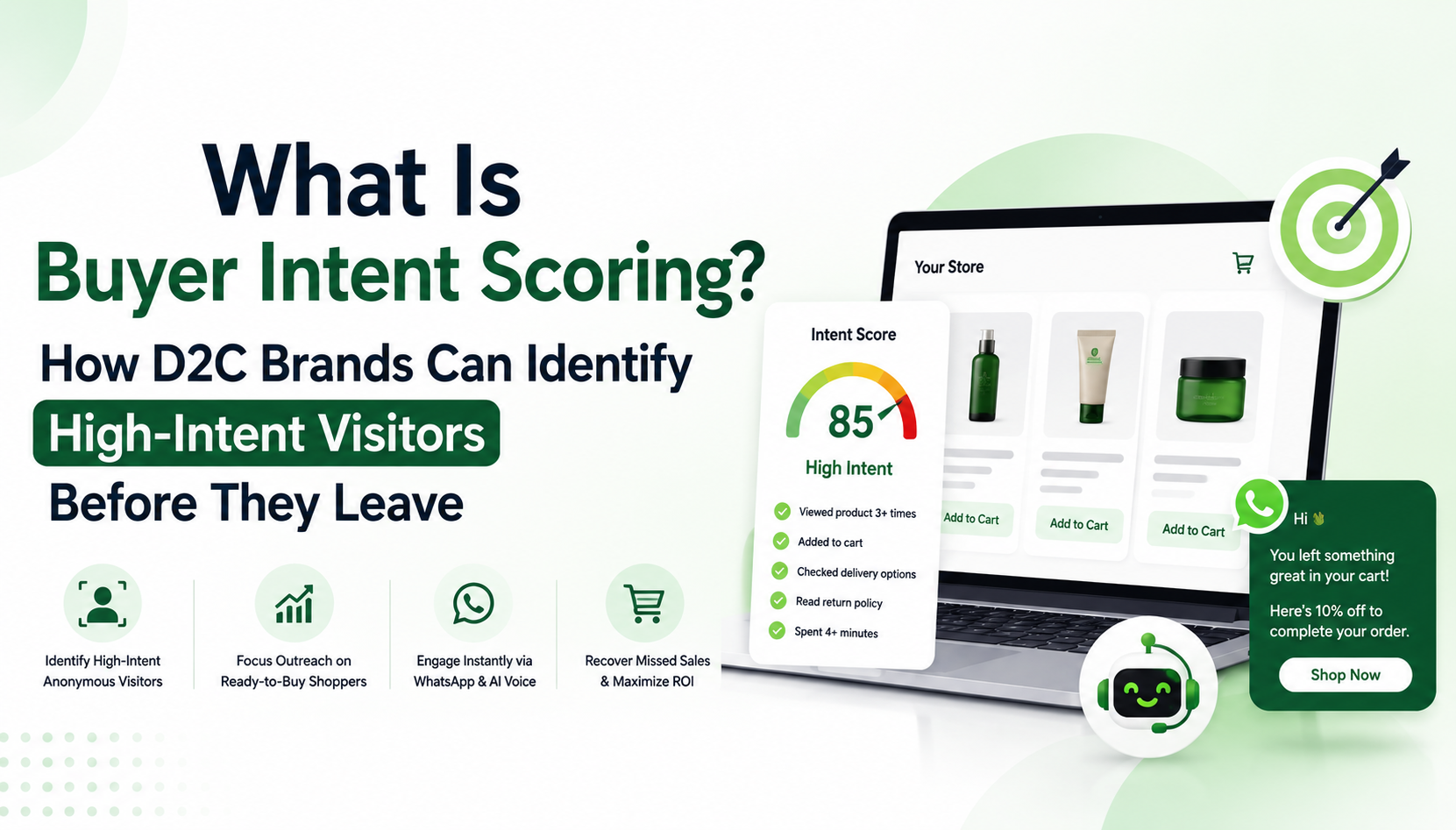
What Is Buyer Intent Scoring? How D2C Brands Can Identify High-Intent Visitors Before They Leave
Buyer intent scoring helps D2C brands identify which anonymous website visitors are most likely to buy — before they leave. Learn how micro-behavior signals, visitor identification, and intent-based engagement can recover lost revenue on your Shopify store.
Why Your Shopify Store Needs an AI Support Agent (Not Just a FAQ Page)
This guide explains what AI support agents are, why FAQ pages are no longer enough, and exactly how deploying an AI agent on your Shopify store drives more sales, fewer support tickets, and stronger customer retention.
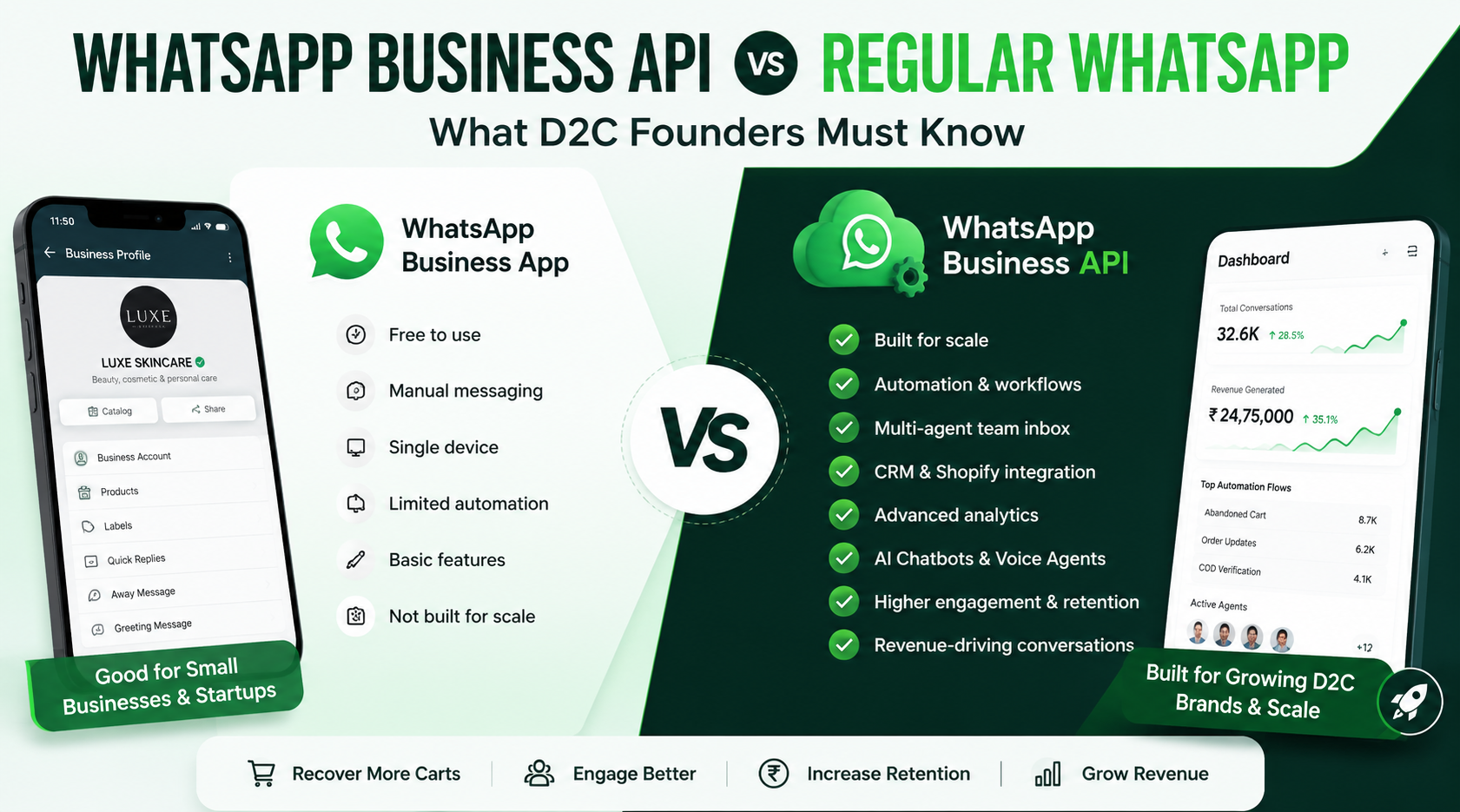
WhatsApp Business API vs Regular WhatsApp: What D2C Founders Must Know
Compare WhatsApp Business API and the regular WhatsApp Business App. Learn the differences, benefits, limitations, and which option is best for scaling your D2C brand.
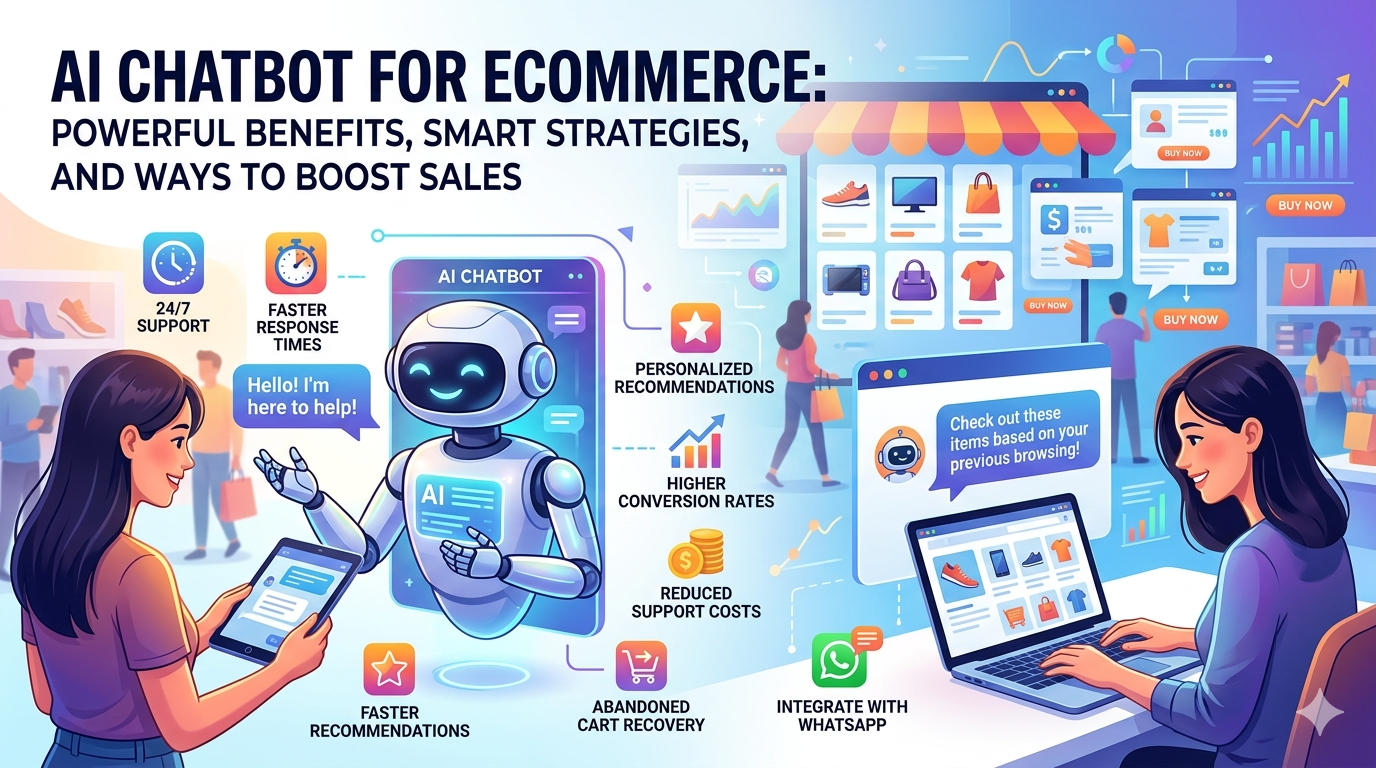
AI Chatbot for Ecommerce: Powerful Benefits, Smart Strategies, and Ways to Boost Sales
Discover how AI chatbots help e-commerce brands boost sales, automate support, improve customer engagement, and increase conversions with smarter automation strategies.