E-commerce brands in India are shifting from email and SMS to one channel:
WhatsApp.
Why?
- 95%+ open rates
- Instant engagement
- Preferred by customers
- Works across Tier 1, 2, and 3
But sending manual messages doesn’t scale.
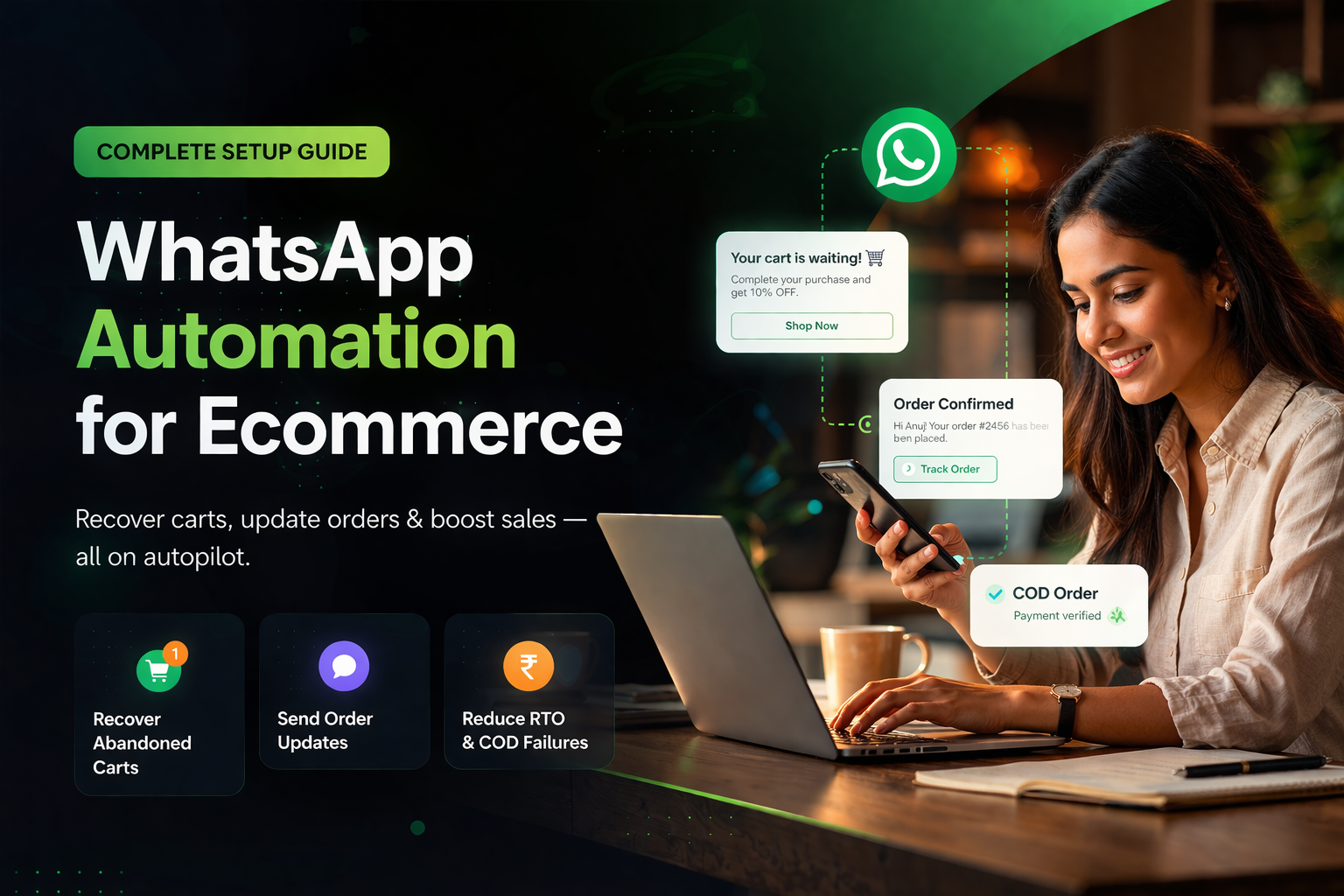
That’s where WhatsApp automation for e-commerce comes in.
What is WhatsApp Automation for Ecommerce?
WhatsApp automation is the process of sending trigger-based messages automatically based on user behavior.
Instead of manually messaging customers, the system:
- Tracks actions (cart, order, browsing)
- Triggers messages instantly
- Personalizes content
- Scales across thousands of users
It works through the WhatsApp Business API, not the regular app.
Why WhatsApp Works Better Than Email or SMS
Let’s be practical.
Email:
- Low open rate
- Goes to spam
SMS:
- High open rate
- No engagement depth
WhatsApp:
- High open rate
- High response rate
- Rich media (images, buttons, payments)
That combination makes it the highest ROI channel for ecommerce.
Core WhatsApp Automation Workflows (Must-Have)
If you’re not using these, you’re leaving money on the table.
🔥 Abandoned Cart Recovery
Trigger:
Customer adds to cart but doesn’t checkout
Flow:
- Message 1 (after 30 min)
- Message 2 (after 6 hours)
- Message 3 (next day with offer)
Impact:
Can recover 15–30% lost revenue
📦 Order Confirmation & Updates
Trigger:
Order placed
Flow:
- Order confirmation
- Shipping update
- Delivery notification
Impact:
Reduces support queries significantly.
☎️ COD Confirmation
Trigger:
COD order placed
Flow:
- WhatsApp confirmation
- Optional AI voice call
- Cancel unconfirmed orders
Impact:
Reduces RTO by 15–35%
💰 COD to Prepaid Conversion
Trigger:
COD order placed
Flow:
- Send payment link
- Offer cashback / discount
- Add urgency
Impact:
Improves cash flow + reduces RTO
Repeat Purchase Automation
Trigger:
Product usage cycle completed
Flow:
- Reminder message
- Reorder link
- Personalized recommendation
Impact:
Boosts retention and LTV
How to Set Up WhatsApp Automation (Step-by-Step)
Step 1: Get WhatsApp Business API Access
You need an official provider (BSP or platform).
Step 2: Integrate with Ecommerce Platform
Connect with:
- Shopify
- WooCommerce
- Custom backend
This allows access to:
- Orders
- Customers
- Cart data
Step 3: Create Message Templates
Templates are required for:
- Marketing messages
- Order updates
- Notifications
They must be approved by Meta.
Step 4: Build Automation Flows
Use triggers like:
- Cart abandoned
- Order placed
- Payment pending
- Delivery completed
Then define message sequences.
Step 5: Track Performance
Monitor:
- Delivery rate
- Click rate
- Conversion rate
- Revenue generated
Optimization is key.
Cost of WhatsApp Automation in India
WhatsApp pricing is based on:
- Conversation type
- Volume
- Provider markup
Costs include:
- Meta conversation charges
- Platform subscription
- Automation features
For most D2C brands:
₹5,000 – ₹40,000/month depending on scale
Common Mistakes to Avoid
❌Sending too many messages
❌ Poor targeting
❌ No personalization
❌ Ignoring timing
❌ No follow-up sequence
Automation without strategy becomes spam.
Advanced Strategy: Combine WhatsApp with Omnichannel
WhatsApp alone works.
But combining it with:
- SMS
- Push notifications
Creates a stronger system.
👉 This is where omnichannel automation becomes powerful.
8x Return On WhatsApp Ads Spend.
Book a demo and we will get you started on proven WhatsApp marketing strategies
Table of Contents
Frequently Asked Questions
Related Articles
View all
WhatsApp Chatbot for D2C Brands: How to Automate Sales, Support and Recovery in 2026
Retner vs LimeChat: Which Omnichannel Platform Actually Drives Revenue?
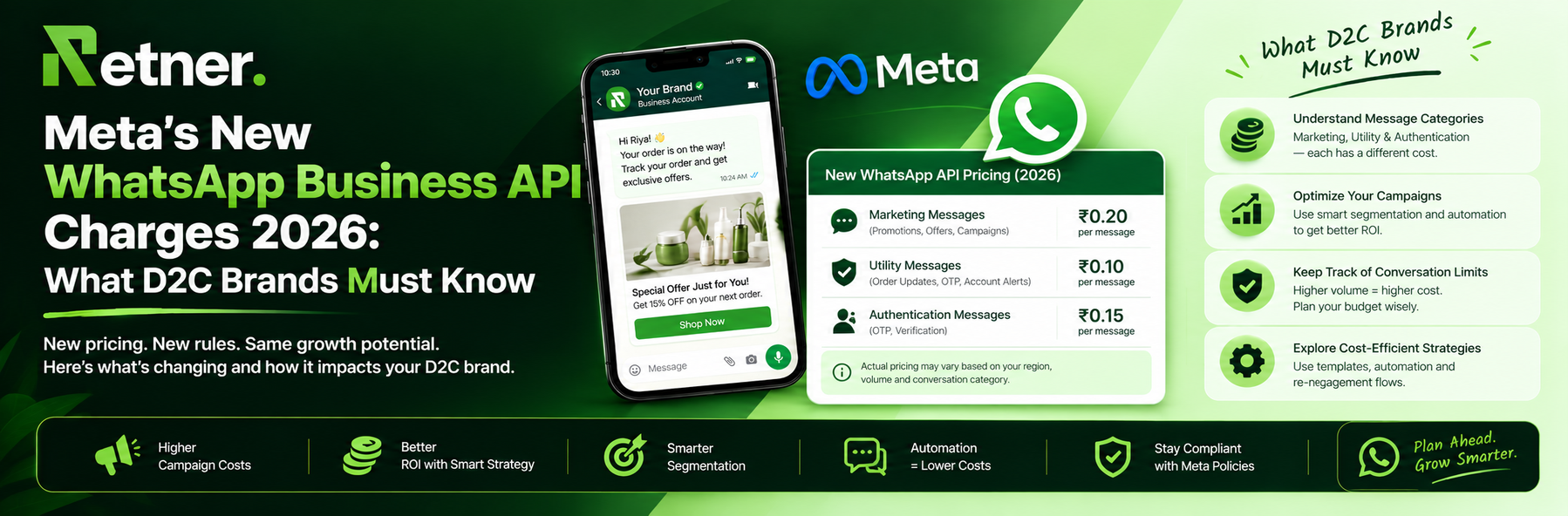
Meta's New WhatsApp Business API Charges 2026: What D2C Brands Must Know